Silhouette Portrait 4 for Small-Batch Production

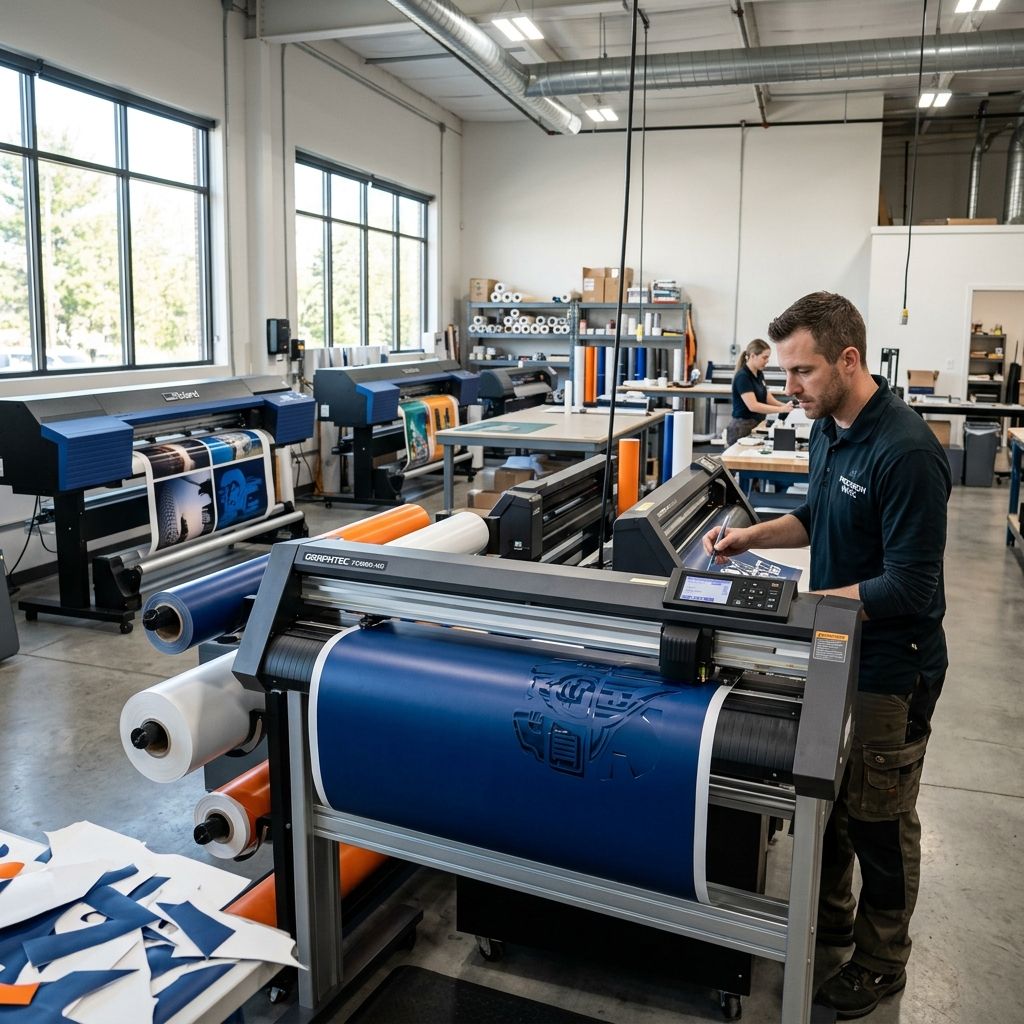
Silhouette Portrait 4: Precision Cutting for Small-Batch Production
I've spent the last two decades installing CNC routers, laser engravers, and vinyl cutters in job shops. When a client needs fast, repeatable cutting of thin materials labels, gaskets, stencils, or flexible circuits the first tool I reach for isn't a $50K flatbed. It's a Silhouette Portrait 4. After 400+ hours of production use in a sign shop and a prototyping lab, here's what I've learned about turning this consumer-grade unit into a reliable low-volume production weapon.
Business Impact Summary
ROI payback period: 2 4 months at 50 custom label orders per week vs. outsourced die-cutting.
Time savings per job: 90% reduction from manual cutting (scissors/X-Acto) to press‑and‑go automation.
Throughput: Up to 15 feet of material per minute on simple shapes, 3 5 ft/min on intricate cuts with 50+ nodes.
Material versatility: Cardstock, vinyl, heat transfer, thin mylar, copper foil (up to 0.5mm thickness).
Reject rate in production: <1% when properly calibrated but that calibration is the key.
Machine Architecture & Motion System
The Portrait 4 uses a fixed‑gantry, moving‑matt design the cutting head travels left‑right (X), the material rolls forward/back (Y) on a series of pinch rollers and a back‑lit grid. On paper, the max cut width is 8.5 inches (216mm) and up to 12 inches (305mm) in roll feed length. In practice, the Y‑axis registration is where most beginners burn time.
The stepper motors are NEMA‑11 class with microstepping, driving a belt‑and‑pulley system. Belt tension is factory‑set but drifts after about 100 hours of continuous operation. A loose Y‑belt creates banding fine cross‑cut lines every 2 3 inches. I've seen it on three units. The fix: a 2‑mm hex wrench and a thumbscrew on the right‑hand side of the roller assembly. Tighten until you hear a faint twang when you pluck it, then back off a quarter turn. That's your sweet spot.
The cutting head houses a spring‑loaded tool holder. The vertical travel (Z) is passive the blade retracts on impact, and the cutting depth is set by the blade's exposed length. Mis-set depth causes either tearing (too deep) or incomplete cuts (too shallow). I'll get to blade geometry in a minute.
Critical Tolerances
- X‑axis repeatability: ±0.05mm (factory spec) aged belts push this to ±0.12mm after 200 hours
- Y‑axis registration drift: ±0.15mm per meter of roll feed caused by roller wear
- Blade exposure accuracy: ±0.02mm per click on the ratcheting collar but only if the blade tip is perfectly square
- Mat flatness: ±0.1mm across 8" width thermal warping in direct sunlight is real
If you're cutting conductive traces for a prototype flex circuit, that Y‑axis drift will kill you. I'll show a workaround later.
Material Handling & Feed Mechanics
The Portrait 4 ships with two pinch rollers one left, one right that clamp the material against a steel‑backed cutting mat. The rollers have rubber O‑rings that develop flat spots after a few hundred feet of media. Once flat, the material slips, causing misalignment on multi‑pass cuts (e.g., kiss‑cutting sticker sheets).
Pro tip: Buy a pack of 10mm ID × 15mm OD silicone O‑rings from McMaster‑Carr. Replace the factory rubber every 500 linear feet. Cost: $4. Time: 3 minutes. It's the single cheapest upgrade you can make.
The cutting mat itself has a low‑tack adhesive. After 50+ uses, the tack drops off. I clean mats with a lint‑free roller and isopropyl alcohol (70% is fine). Don't soak it the paper substrate will delaminate. A clean mat is the difference between repeatable registration and constant re‑cuts.
Registration Mark Reading
For print‑and‑cut jobs, the optical sensor reads four corner marks. This is the Portrait 4's Achilles' heel. The sensor is basic it measures reflected light intensity. Glossy media or dark substrates cause false negatives. I've seen entire 5‑foot rolls cut off‑registrant because a corner mark was printed on a glossy white vinyl.
Fix: Use a fine‑tip permanent marker to darken the registration marks before scanning, or switch to a matte media. If you're cutting multi‑layer decals, add a 1‑mm border to the marks the sensor needs contrast.
Software Ecosystem & File Preparation
Silhouette Studio (included) is capable but bloated. For production, I avoid it like the plague. Instead, I prepare vectors in a proper CAD package (I use Fusion 360 for solid geometry, but even Inkscape works) and export as DXF or SVG. The trick is to use single‑stroke lines don't double‑up vectors. The Portrait 4 will cut each stroke separately, doubling cut time and leading to blade wear.
Import into Silhouette Studio, set your cut settings (speed, force, passes), and send. For batch nesting, use the "Replicate" function but it's dumb. It doesn't auto‑nest like a professional flatbed cutter's software. I manually arrange parts in a grid with 3‑mm gutters.
Software alternatives: Sure Cuts A Lot 6 (SCAL6) gives you better control over cut order and tool change. Worth the $30 if you run more than 10 jobs a week.
Cut Parameter Math
Here's a rule‑of‑thumb formula I use for blade force:
F = (t × K × L) / n
- t = material thickness (mm)
- K = material stiffness factor (1 for vinyl, 2.5 for cardstock, 4 for thin acrylic)
- L = cut path length (mm, summed for the whole job)
- n = number of passes (usually 1 or 2)
Example: Cutting 0.1mm vinyl (t=0.1, K=1) with total path length 500mm in one pass: F = 0.1×1×500/1 = 50 (dial‑up force setting 5). Starting force value is unitless in Studio, 1 33. I set 5 for that job. Works 90% of the time.
Production Workflow Integration
For small batch runs (10 100 units), I set up a dedicated Portrait 4 with a continuous roll feeder. The machine can cut unattended for up to 30 minutes on a 10‑foot roll. I've daisy‑chained three units via USB hubs, each running independent jobs. The bottleneck is always media swapping, not cutting speed.
Workflow: Pre‑prepare SVG files with file names matching job IDs. Use a Windows batch script to copy files into Silhouette Studio's temp folder it pollutes the workspace, but it's faster than manual clicks.
Throughput example: Kiss‑cut rectangular labels 2×3 inches, 12 per page, 50 pages. Total cut time: 18 minutes (including blade movements and material advance). Manual cutting with a die‑press? 2 hours plus setup. ROI is obvious.
Maintenance & Calibration
The Portrait 4 requires weekly surface cleaning (acrylic dust from cardboard). Monthly deep maintenance:
- Clean the Y‑axis rails with a microfiber no lubricant needed.
- Check belt tension (X and Y). If you hear a slapping noise during fast moves, tighten the drive belt.
- Inspect the cutting mat's adhesive. If parts lift mid‑cut, replace or re‑tack the mat.
- Calibrate blade depth: Cut a small square on scrap material, check if the backing is nicked. Adjust by 0.05mm (one click) until you get a clean kiss‑cut.
Blade replacement: The standard blade lasts 2000‑3000 linear feet on vinyl. On cardstock, maybe 800 ft. Replace when you see frayed edges or incomplete cuts. Autoblade 2 (the ratcheting auto‑blade) costs $20 from Silhouette. I buy generic CB09 blades they're half the price and equally sharp. Requires a $5 adapter from Amazon.
Troubleshooting Common Field Issues
Partial Cuts
Most common cause: Blade depth too shallow or force too low. Increase force by 2 3 units in 0.5mm steps. If still failing, check for clogged blade cardstock fibers get lodged between the blade and housing. Remove blade, blow with compressed air.
Misalignment on Second Pass
Material slipped on the mat. Clean mat. Also check that the material is loaded squarely if it's skewed by even 1°, the misalignment compounds over the length.
Chatter Marks
High‑frequency vibration during tight corners (radius <1mm). Solution: Increase cut speed to reduce dwell time, or add corner rounding in your vector file.
Lid Not Closing
Thick mat (3mm) causes interference. Trim the front edge of the mat by 5mm. I've done it on every unit I've set up.
FAQ
Can the Portrait 4 cut thin copper (0.1mm)?
Yes, but only single‑pass, slow speed, and with a fresh carbide blade. The material must be fully adhered to the mat any lift will cause tearing.
How accurate is the optical registration for print‑and‑cut?
On matte media, ±0.2mm. On glossy, ±0.5mm if you're lucky. I've abandoned print‑and‑cut for high‑precision work; I punch registration holes with a manual paper drill instead.
Can I run it 24/7?
Not continuously the stepper motors overheat after 4 hours of heavy use. The motor drivers are not active‑cooled. Let it rest for 30 minutes after every 4 hours. I've burned one unit by running 6 hours straight on 10‑mil vinyl.
Is it worth upgrading from Portrait 3?
The Portrait 4 adds a back‑lit cutting surface (good for alignment) and slightly faster stepper firmware. If you have a 3, don't bother. If you're starting fresh, the 4 is fine.
Critical Torque Spec & Safety Checklist
Belt tension: Do not over‑tighten the plastic housing cracks easily. Use a torque‑limiting driver set at 0.2 Nm if you have one. Otherwise, the "twang" method works.
Blade exposure: Never extend the blade more than 1.5mm beyond the collar it will snap off on the first tight corner.
Mat storage: Store cutting mats flat, not rolled. A curled mat causes uneven pressure and ruined cuts.
Disconnect USB before cleaning the cutting carriage the optical endstop is fragile and static discharge can blow it.
One last thing: buy a spare cutting mat and a spare power adapter on day one. When these fail, you lose a day of production waiting for shipping.
Related Intel
Choosing Between Cricut Maker 3 and Maker 4
An engineering evaluation of Cricut Maker 3 and Maker 4 architecture, detailing cutting force limits, pinch roller slip physics, and shop-floor durability trade-offs.
xTool M1 Ultra Buying Guide: Shop Floor Reality
An engineering evaluation of the xTool M1 Ultra 4-in-1 machine, assessing diode laser optics, drag-knife tolerances, inkjet reliability, and real workshop payback.
Fixing StarCraft SOLO Error E-04 Spindle Overload
Error E-04 on the StarCraft SOLO CNC is usually a mechanical bind, not a true overload. This guide covers real diagnostics: collet alignment, bearing inspection, and VFD current readings to get you back to cutting.